
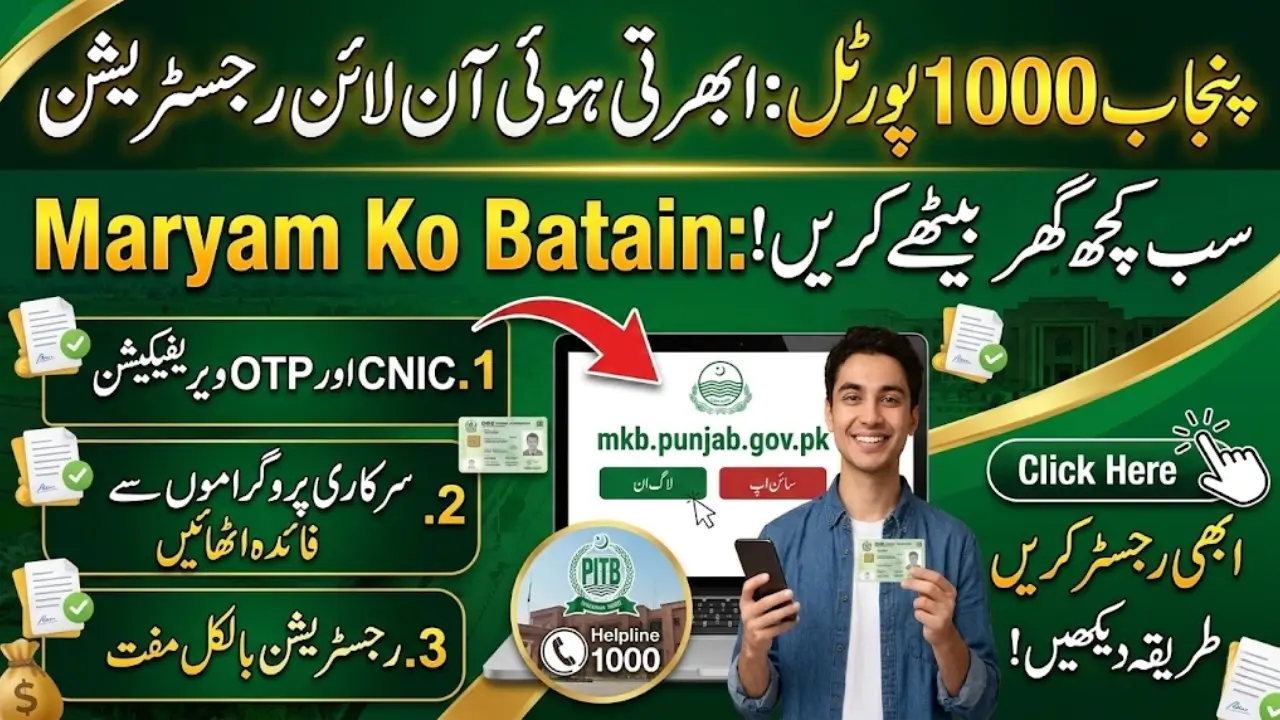
Punjab 1000 Portal Online Registration
The Punjab 1000 Portal has officially been launched to provide citizens with a simple and transparent way to register online and access government services. Through the official website mkb.punjab.gov.pk, users can create an account using their CNIC, complete OTP verification, and log in to the system to submit or track requests digitally.
The portal is part of the Maryam Ko Batain platform developed with support from the Punjab Information Technology Board. Applicants can also use the helpline 1000 or the mobile application for assistance. This digital system reduces paperwork, prevents duplicate entries, and allows residents to access services quickly without visiting government offices.
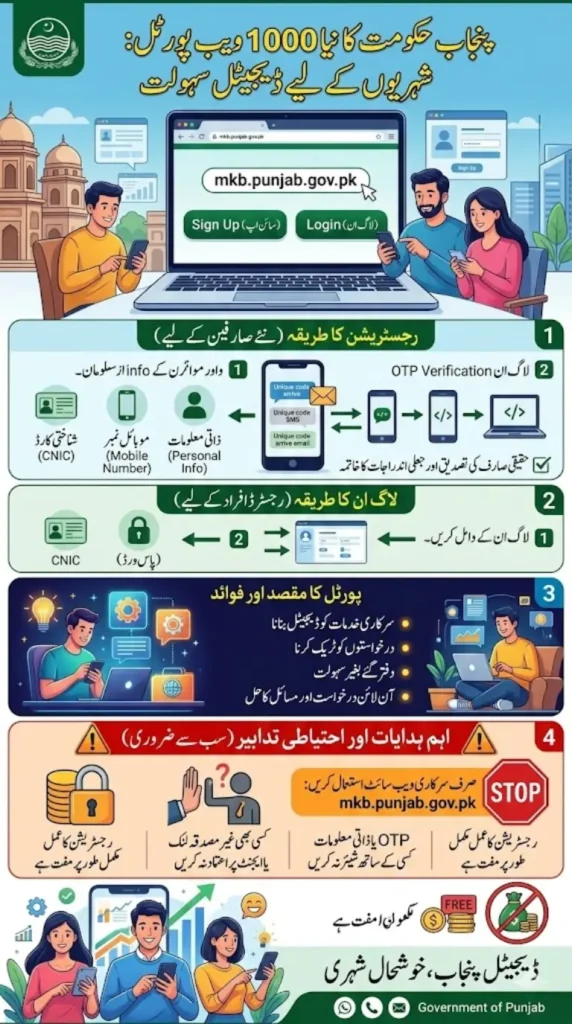
Quick Info – Punjab 1000 Web Portal
| Feature | Details |
|---|---|
| Portal Name | Punjab 1000 Web Portal |
| Official Website | mkb.punjab.gov.pk |
| Main Options | Sign Up & Login |
| Registration Key | CNIC Number |
| Verification | OTP via SMS & Email |
| Access Method | Online Portal / Mobile App / Helpline 1000 |
| System Developed By | Punjab Information Technology Board (PITB) |
| Registration Fee | Free |
What Is the Punjab 1000 Web Portal?
The Punjab 1000 Portal is an official government platform that allows citizens to register online and interact with government programs digitally.
Through this system, residents can:
• create an online account using CNIC
• submit requests or applications
• track their status online
• communicate with government services
This portal is part of Punjab’s broader effort to digitize public services and reduce paperwork.
Official 1000 Portal Website
Citizens should only use the official website to register.
Official portal address:
mkb.punjab.gov.pk
On the homepage, users will see two simple options:
• Sign Up
• Login
These options allow new users to create accounts and existing users to access the system.
How to Register on the 1000 Portal (Step-by-Step)
The registration process is designed to be simple and quick.
Step 1 – Open the Official Portal
Visit the official website:
mkb.punjab.gov.pk
Click the Sign Up option if you are registering for the first time.
Step 2 – Fill the Registration Form
You will be asked to provide basic personal details such as:
• Full name
• CNIC number
• Mobile phone number
• Email address
• Gender
• Province and district
• Date of birth
• Password
• Home address
Tip: Always enter your CNIC and mobile number carefully because these details are used for verification.
Step 3 – Complete OTP Verification
After submitting the form, the system will send an OTP (One Time Password) to your mobile number and email.
Important points about OTP verification:
• OTP is valid only for a limited time
• you can request a new OTP if needed
• verification confirms that the user is genuine
Once OTP verification is complete, your account will be activated.
How to Login to the 1000 Portal
If you already have an account, logging in takes only a few seconds.
Steps:
- Go to mkb.punjab.gov.pk
- Click the Login option
- Enter your CNIC number
- Enter your password
- Complete the verification prompt and sign in
After logging in, you can access the system dashboard.
Information You Should Prepare Before Registration
Before starting the registration process, make sure you have the following details ready.
• your CNIC number
• an active mobile number
• a working email address
• your correct district and home address
Having these details ready helps avoid delays during the signup process.
Why the 1000 Portal Matters
The launch of the Punjab 1000 Portal reflects the government’s effort to modernize public services.
Benefits of the portal include:
• faster online registration
• transparent verification system
• reduced need for physical visits
• easier tracking of applications
For many citizens, this digital system means less waiting and more convenience.
Common Mistakes to Avoid During Registration
Some small errors can delay registration on the portal.
Common mistakes include:
• entering incorrect CNIC digits
• typing the wrong email address
• forgetting the password used during signup
• leaving district or address fields incomplete
Carefully reviewing your information before submitting the form can prevent these issues.
Safety Tips When Using the 1000 Portal
Since the portal is trending online, fake websites may appear.
Follow these safety guidelines:
• always use the official website mkb.punjab.gov.pk
• never share your OTP with anyone
• never pay any person for portal registration
• avoid clicking unknown links on social media
Government services on this portal are completely free.
Conclusion
The Punjab 1000 Portal represents an important step toward digital governance in the province. By allowing citizens to register online, verify their identity through CNIC and OTP, and track their requests from home, the system simplifies access to government services.
For residents of Punjab, using the official portal mkb.punjab.gov.pk ensures a secure and convenient way to connect with government programs. As digital systems continue to expand, platforms like the 1000 portal could play a key role in making public services faster, more transparent, and easier for everyone.